



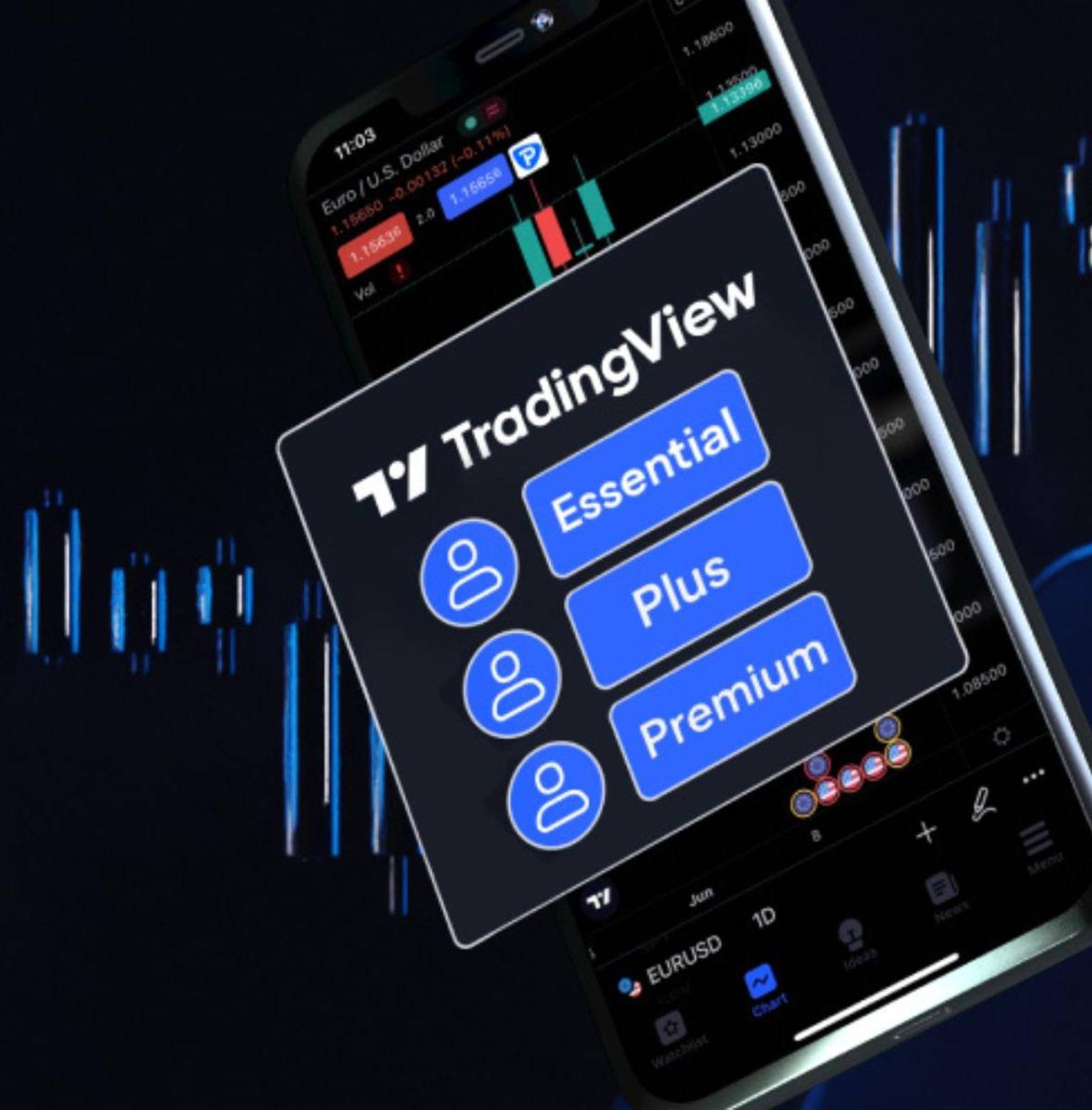
Free renewable TradingView subscriptions with Pepperstone
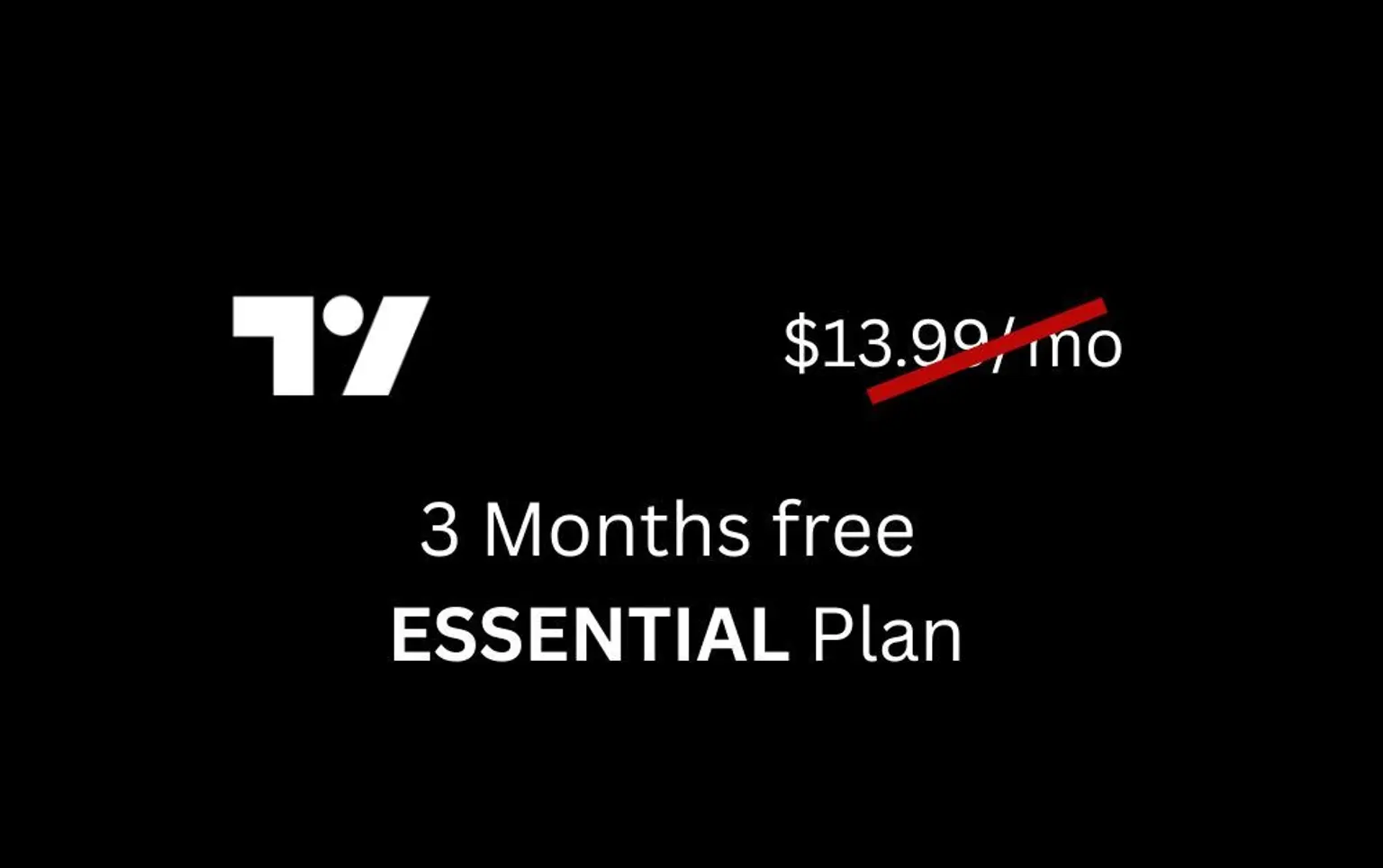
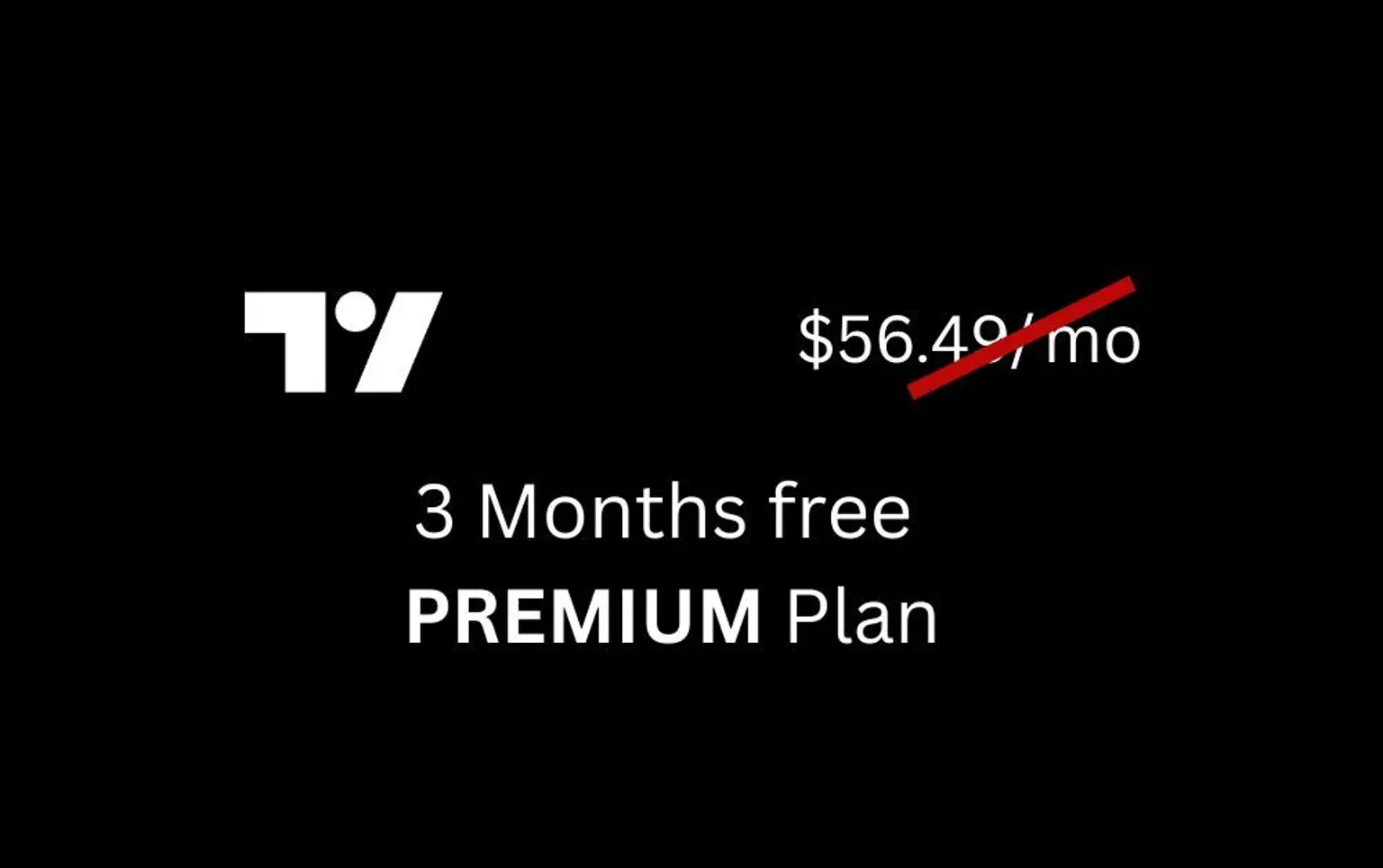
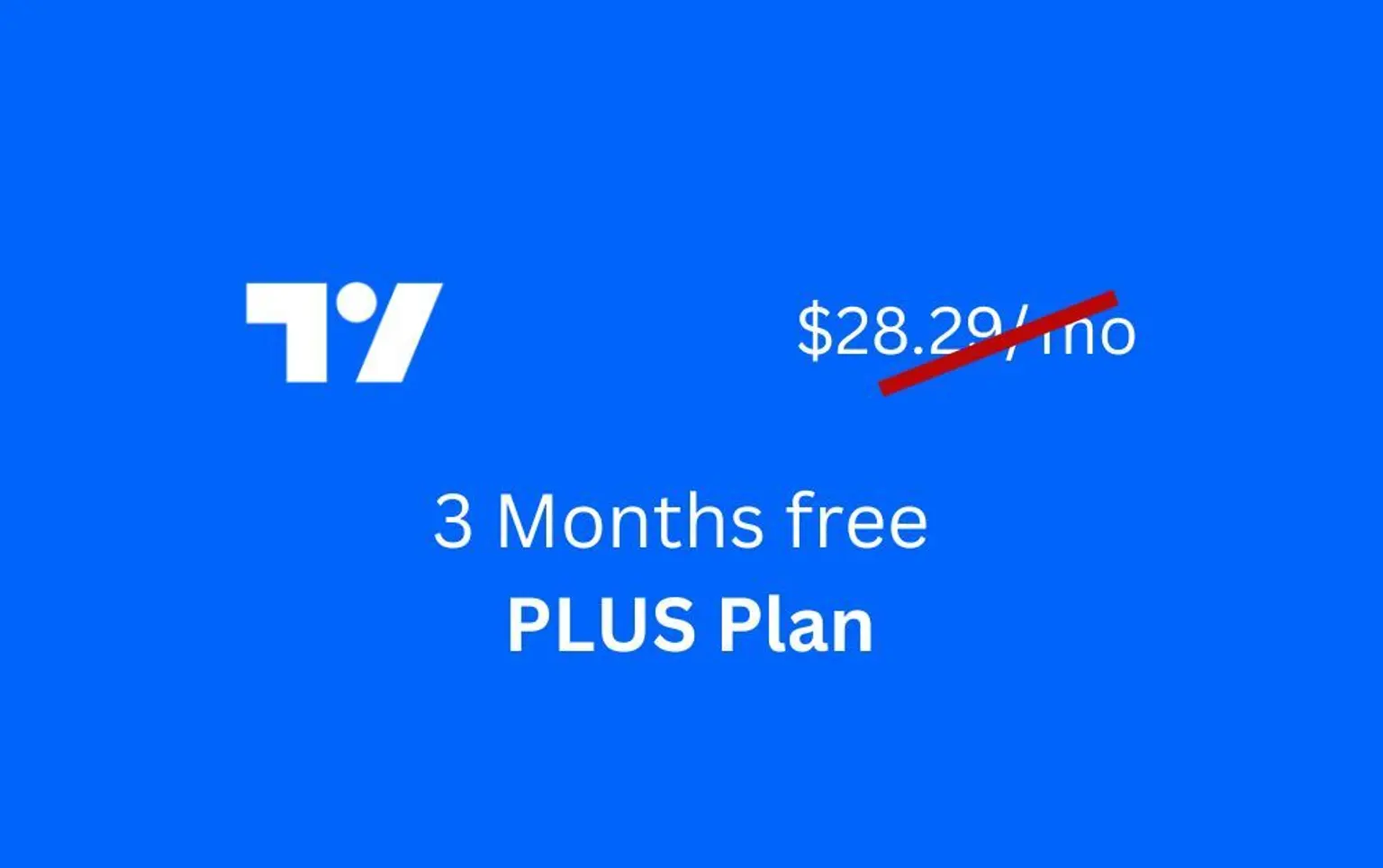
Find the right TradingView subscription for your trading style
How to get a free TradingView plan
Unlock the power of Custom Timeframe Intervals with your TradingView subscription
Open a TradingView account with Pepperstone Make a deposit into your account after it goes live.
Meet the criteria for your chosen plan. Once you fulfill the requirements, you’ll receive a coupon code to claim your free subscription—hassle-free!
Visit the TradingView plans page and cash out with your offer code.
Want to keep your subscription long term?
As long as you continue to meet the requirements, you will receive renewal codes indefinitely.
FAQs
Yes. Feel welcome to request a free subscription by either addressing your Account Manager or sending an email to support@pepperstone.com
If you activate a code, your current subscription will automatically be converted into the plan equivalent of that code and the extension will be applied. For example if you have an active Plus plan and want a Premium code, when you activate the Premium code your Plus subscription will be converted into a Premium subscription equivalent and the extension applied. Enjoy!
No, although we offer TradingView , Pepperstone customers are welcome to trade on any of the platforms they desire.
Follow the steps in our guide to connect your TradingView and Pepperstone accounts.
**Based on the number of registered TradingView accounts worldwide, not all of which may be active traders.